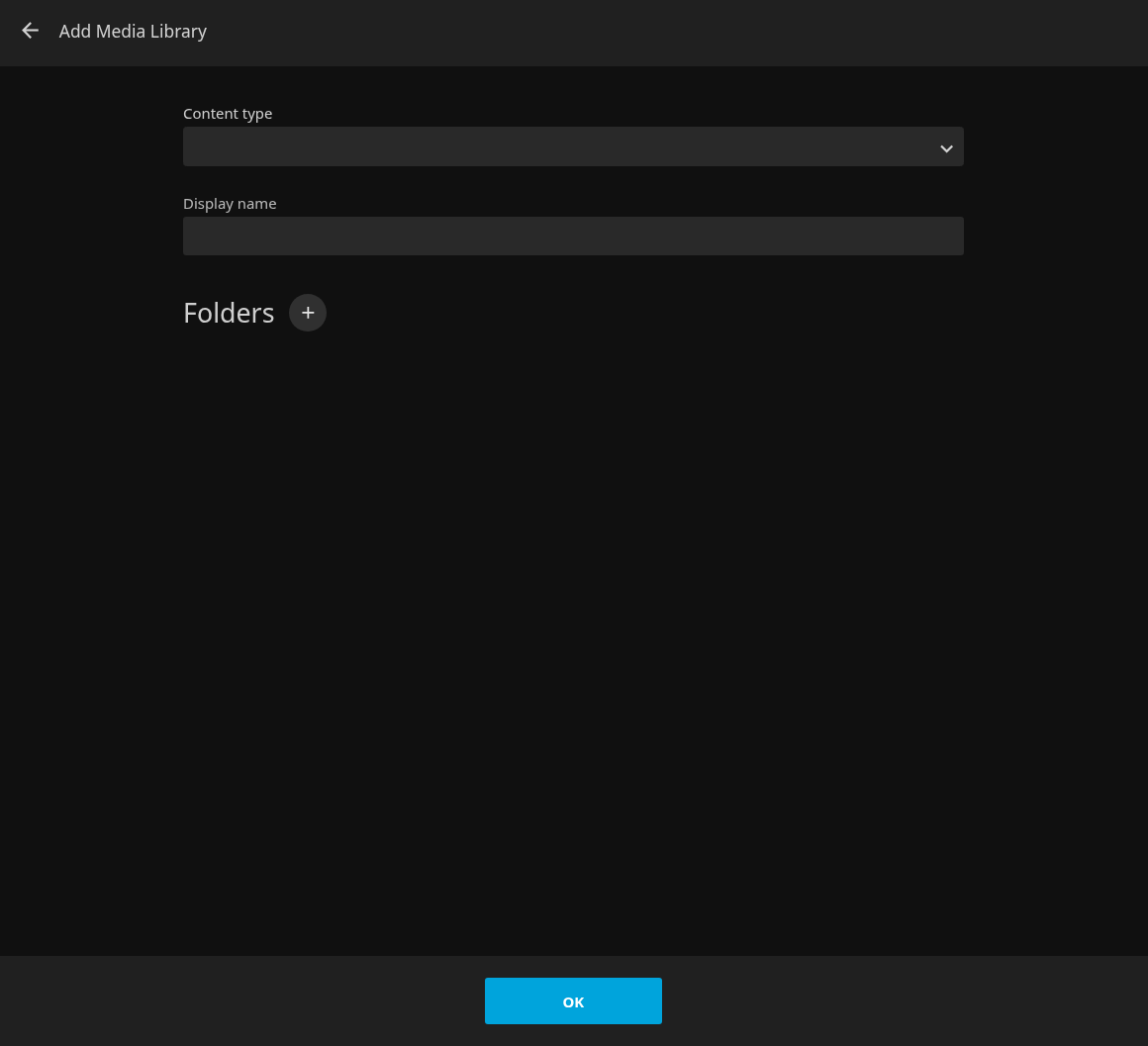
Jellyfin is a free and open-source media server application. It can be installed on an Ubuntu Linux system as a Snap package through the App Center.
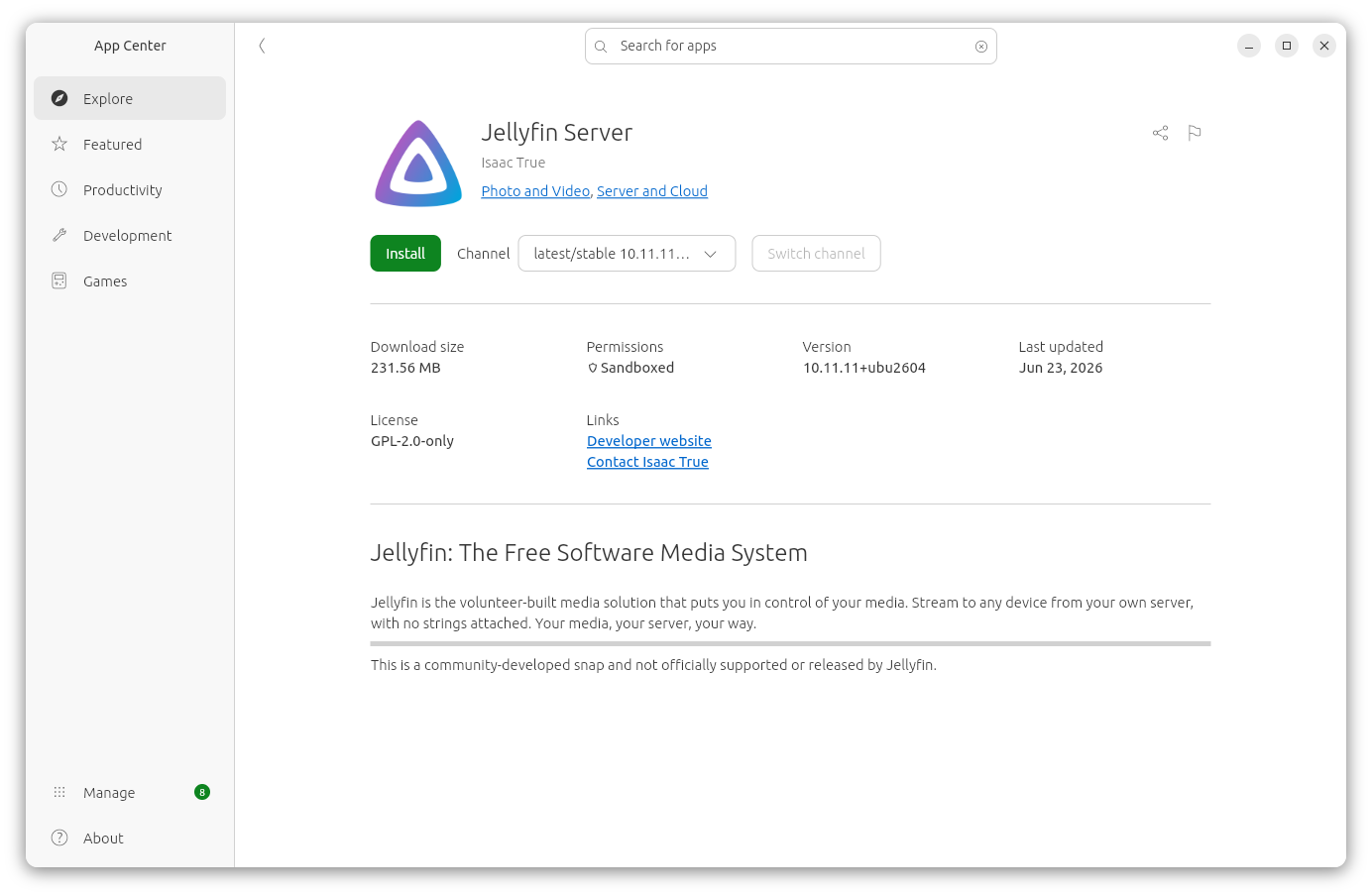
Alternatively, you can install the software from a
terminal window
with the command sudo snap install itrue-jellyfin.
$ sudo snap install itrue-jellyfin
[sudo: authenticate] Password:
itrue-jellyfin 10.11.11+ubu2604 from Isaac True (itrue) installed
$
If you ever need to uninstall it, you can do so with the command
sudo snap remove itrue-jellyfin.
$ sudo snap remove itrue-jellyfin
itrue-jellyfin removed (snap data snapshot saved)
$
Once you've installed the application, the system should be listening on TCP port 8096 for HTTP connections and UDP port 7359 for local network client discovery. If HTTPS is enabled for Jellyfin, it will also listen on TCP port 8920. On an Ubuntu system, you can check on whether a system is listening on those ports with the ss command using the following arguments.
-t = TCP sockets
-u = UDP sockets
-l = listening sockets
-n = show numeric ports instead of service
names
E.g.:
$ sudo ss -tln | grep -E '8096|8920'
LISTEN 0      512                             0.0.0.0:8096       0.0.0.0:*
$ sudo ss -uln | grep '7359'
UNCONN 0      0                               0.0.0.0:7359       0.0.0.0:*
$
You can also show the -p argument to show process information for the Jellyfin server process. E.g.:
$ sudo ss -tlnp | grep jellyfin
[sudo: authenticate] Password:
LISTEN 0      512                             0.0.0.0:8096       0.0.0.0:*    users:(("jellyfin",pid=1912164,fd=484))
$
You can also use the lsof command to see the process ID of the Jellyfin process.
$ sudo lsof -iTCP:8096 -sTCP:LISTEN
[sudo: authenticate] Password:
COMMAND      PID USER  FD   TYPE   DEVICE SIZE/OFF NODE NAME
jellyfin 1912164 root 484u  IPv4 29170490      0t0  TCP *:8096 (LISTEN)
$
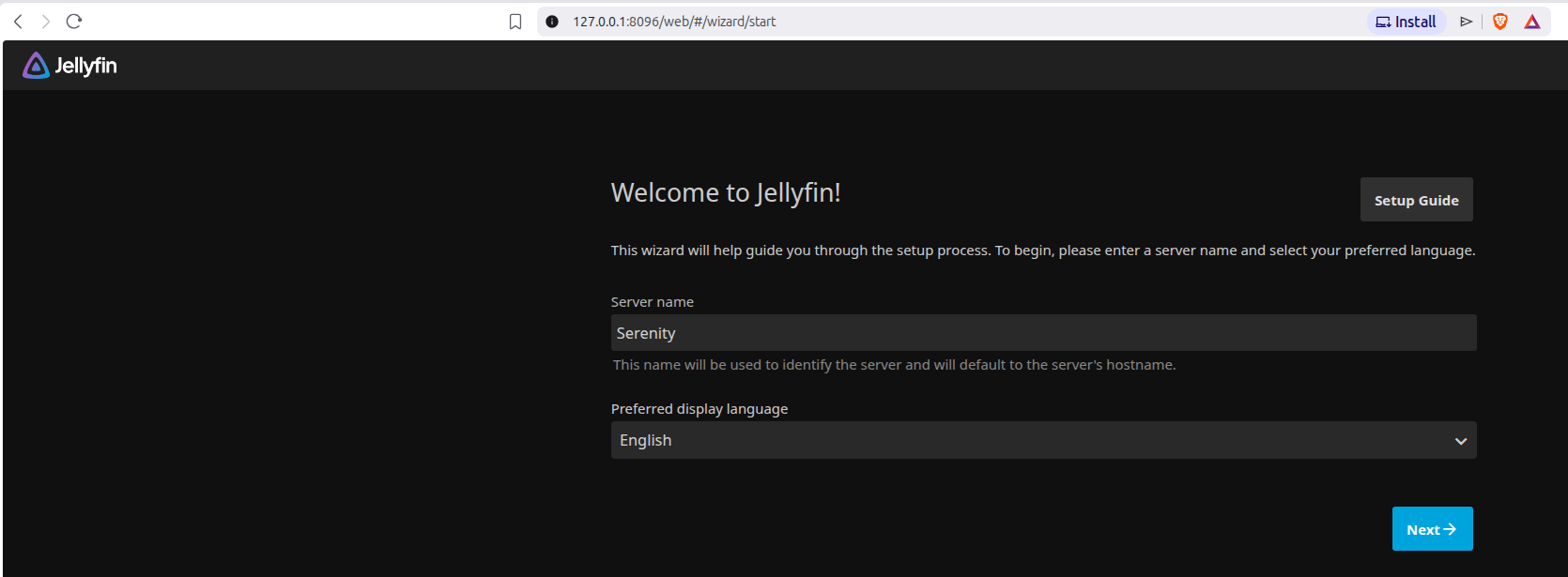
If Jellyfin is listening on TCP network port 8096, you should be able
to use https://127.0.0.1:8096 in the address bar of a browser
to access the "Welcome to Jellyfin!" page.
If you have installed Jellyfin as a snap package and need to
add media folders where the content, such as files for movies
or TV servies, is located on removeable media, such as a USB drive connected
to the system, you need to ensure that the Jellyfin service has
removable media and
"mount-observe"
access. The mount-observe privilege allows a
snap application read access to active mount points and access to
sensitive system paths lie /proc/self/mountinfo Snaps are
"sandboxed",
i.e., there are restrictions on what the snap package can access. By
default, access is not granted to arbitrary locations on your filesystem.
If you have installed the Jellyfin Server snap
package created by Isaac True, the name for the package is
itrue-jellyfin. You can see the name if you use the ps command, e.g.,
ps -ef | grep jellyfin.
alice@Wonderland:~$ ps -ef | grep jellyfin
root       10906       1  0 Jul24 ?        00:02:14 /snap/itrue-jellyfin/195/usr/lib/jellyfin/bin/jellyfin --service --ffmpeg /snap/itrue-jellyfin/195/usr/lib/jellyfin-ffmpeg/ffmpeg
alice@W+  477186  477165  0 20:42 pts/0    00:00:00 grep --color=auto jellyfin
alice@Wonderland:~$
You can see what access the Jellyfin Server snap package has by issuing the
command snap connections itrue-jellyfin in a
terminal window. If you would like to see the access just for
removable media or
check mount-observe access, you can
pipe the output into
the grep command.
alice@Wonderland:~$ snap connections itrue-jellyfin
Interface          Plug                             Slot                Notes
content[gpu-2604]  itrue-jellyfin:gpu-2604          mesa-2604:gpu-2604  -
firewall-control   itrue-jellyfin:firewall-control  -                   -
home               itrue-jellyfin:home              :home               -
mount-observe      itrue-jellyfin:mount-observe     -                   -
network            itrue-jellyfin:network           :network            -
network-bind       itrue-jellyfin:network-bind      :network-bind       -
opengl             itrue-jellyfin:opengl            :opengl             -
removable-media    itrue-jellyfin:removable-media   -                   -
wayland            itrue-jellyfin:wayland           :wayland            -
x11                itrue-jellyfin:x11               :x11                -
alice@Wonderland:~$ snap connections itrue-jellyfin | grep removable
removable-media    itrue-jellyfin:removable-media   -                   -
alice@Wonderland:~$ snap connections itrue-jellyfin | grep mount-observe
mount-observe      itrue-jellyfin:mount-observe     -                   -
alice@Wonderland:~
In the output of the snap connections, if a Plug is
connected to a Slot, then access is granted. If there is a dash, then
no connection exists and there is no access.
You can grant the removable-media privilege
using the command sudo snap connect itrue-jellyfin:removable-media.
alice@Wonderland:~$ sudo snap connect itrue-jellyfin:removable-media
[sudo: authenticate] Password:
alice@Wonderland:~$ snap connections itrue-jellyfin | grep removable
removable-media    itrue-jellyfin:removable-media   :removable-media    manual
alice@Wonderland:~$
When I added the removable-media access, I found that the server still was not seeing the external USB drives, but it could after I added the mount-observe privilege.
alice@Wonderland:~$ sudo snap connect itrue-jellyfin:mount-observe
alice@Wonderland:~$ snap connections itrue-jellyfin | grep mount-observe
mount-observe      itrue-jellyfin:mount-observe     :mount-observe      manual
alice@Wonderland:~$
If you don't know where the external media is mounted, you can use the
findmnt
command, which lists all mounted filesystems, or you can use the
df command, i.e.,
df -h. E.g., if USB drives were mounted under
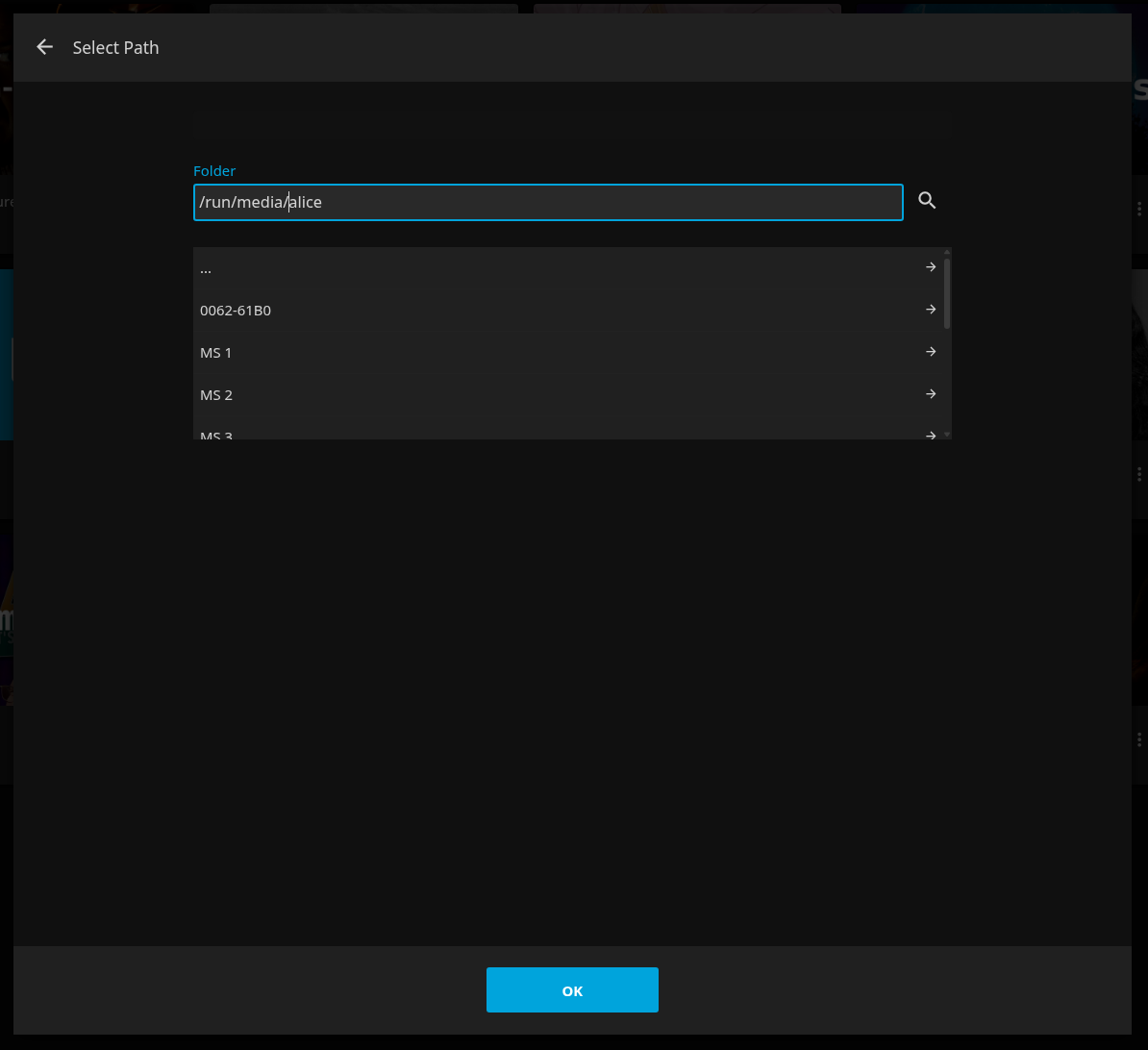
/run/media/alice, when I clicked on Folders in the
Add Media Library window, I could
put that in the Folder field and then see mounted drives that
I could click on and browse directories in the field below, e.g. MS 1,
MS 2, MS 3, etc. in the example below.
References:
Related articles: