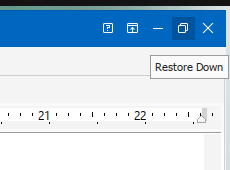
My wife was using Advanced Diary for journaling on a Microsoft Windows system, but wanted to transition to Linux, so I installed Ubuntu Linux and then, since there is no Linux version of Advanced Diary, I installed Advanced Diary under Wine. She wanted to adjust the size of the Advanced Diary window, but when she attempted to adjust the window size by clicking on the Restore Down icon at the top right side of the window (between the dash and the "X"), the Advanced Diary window became transparent and it was not possible to close it or adjust the size of the transparent box that appeared for the Advanced Diary window. The outline of the box can be seen below.

So I had to open a
Terminal window to determine the
process ID (PID)
of the Advanced Diary process with the
ps and then kill that
process with the
kill command. I could also have used the
killall command
killall AdvancedDiary.exe.
alice@Wonderland:~/Documents$ ps -aux | grep -i advanced
lisa@ad+   38180 52.7  0.1 2823612 251156 ?      Rl   11:22   1:21 C:\Program Files\Advanced Diary\AdvancedDiary.exe
lisa@ad+   38353  0.0  0.0   9464  2556 pts/2    S+   11:25   0:00 grep --color=auto -i advanced
alice@Wonderland:~/Documents$ kill -HUP 38180
alice@Wonderland:~/Documents$
I tried closing and opening the program several times. The behavior was consistent — the window would become transparent whenever I tried resizing or minimizing the window.
If you are using the
GNOME desktop, you can use the steps below to try to resolve the problem.
GNOME is the default desktop environment for Ubuntu, but you can verify
it is the desktop in use by the command echo $XDG_CURRENT_DESKTOP.
alice@Wonderland:~$ echo $XDG_CURRENT_DESKTOP
ubuntu:GNOME
alice@Wonderland:~$
Steps that may resolve the problem:
Run winecfg in a Terminal window.
alice@Wonderland:~$ winecfg
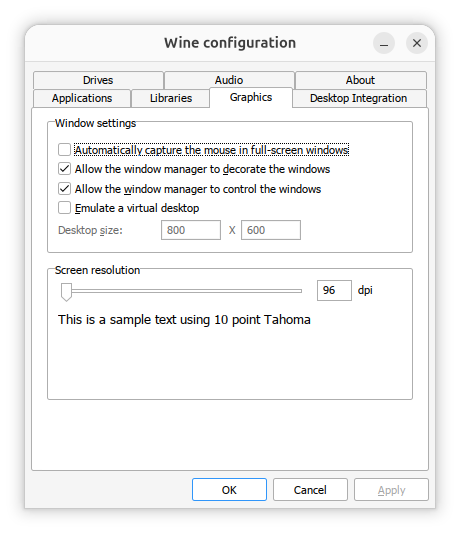
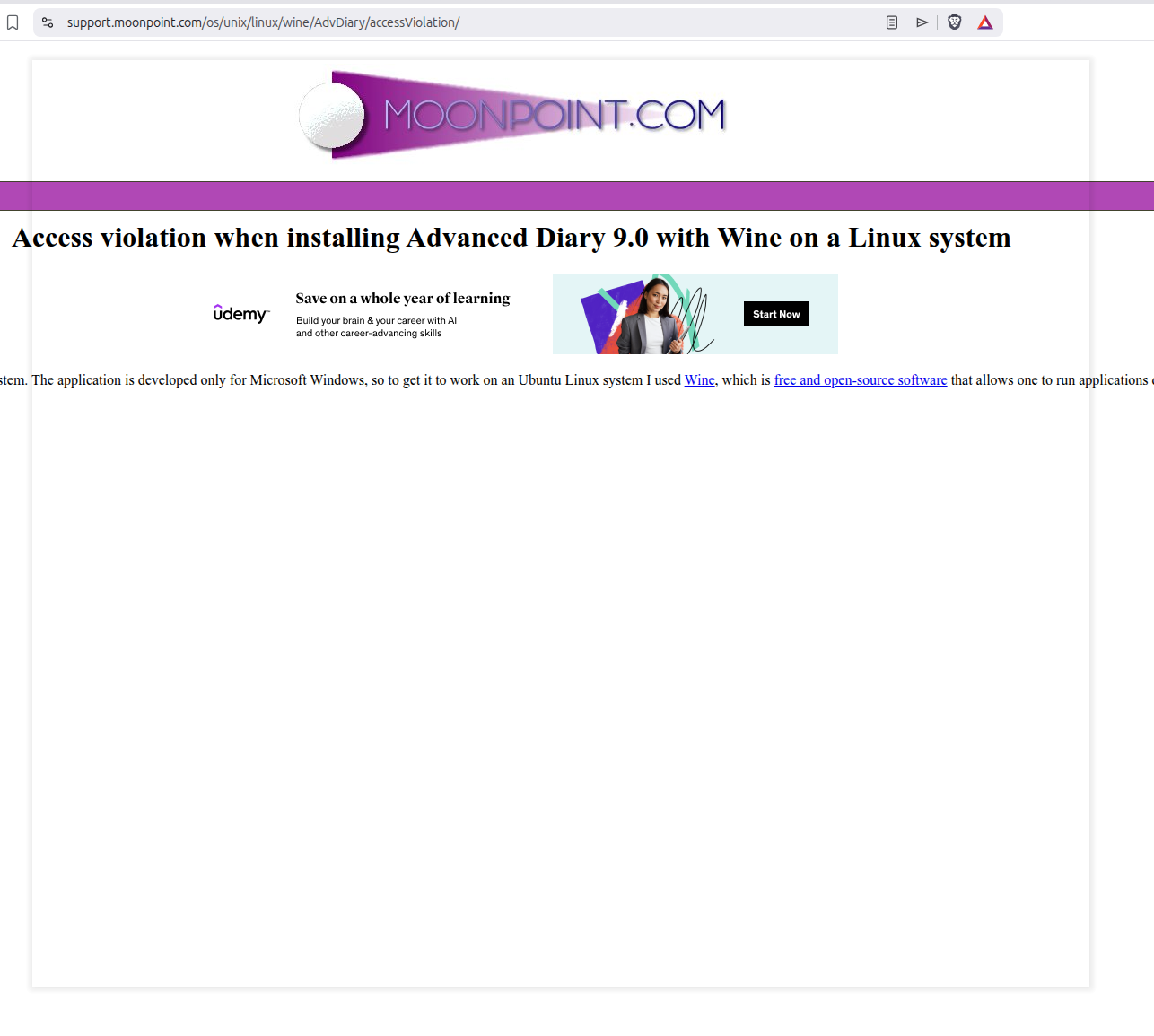
Update: On another system Ubuntu Linux system, I found that when I used Alt-Tab to switch from an Advanced Diary window running under Wine to some other application, that I would then see a transparent window, the size of the Advanced Diary window, with a gray border overlying the window of whatever application I switched to as with the browser window shown below.
I tried running winecfg and changing the values noted above in the Graphics tab, but wasn't able to get the transparent window to go away while at the same time being able to switch back to the Advanced Diary window. I found that if I minimized the Advanced Diary window before switching to another application, rather than using Alt-Tab to switch away from it, that I didn't have that problem.