
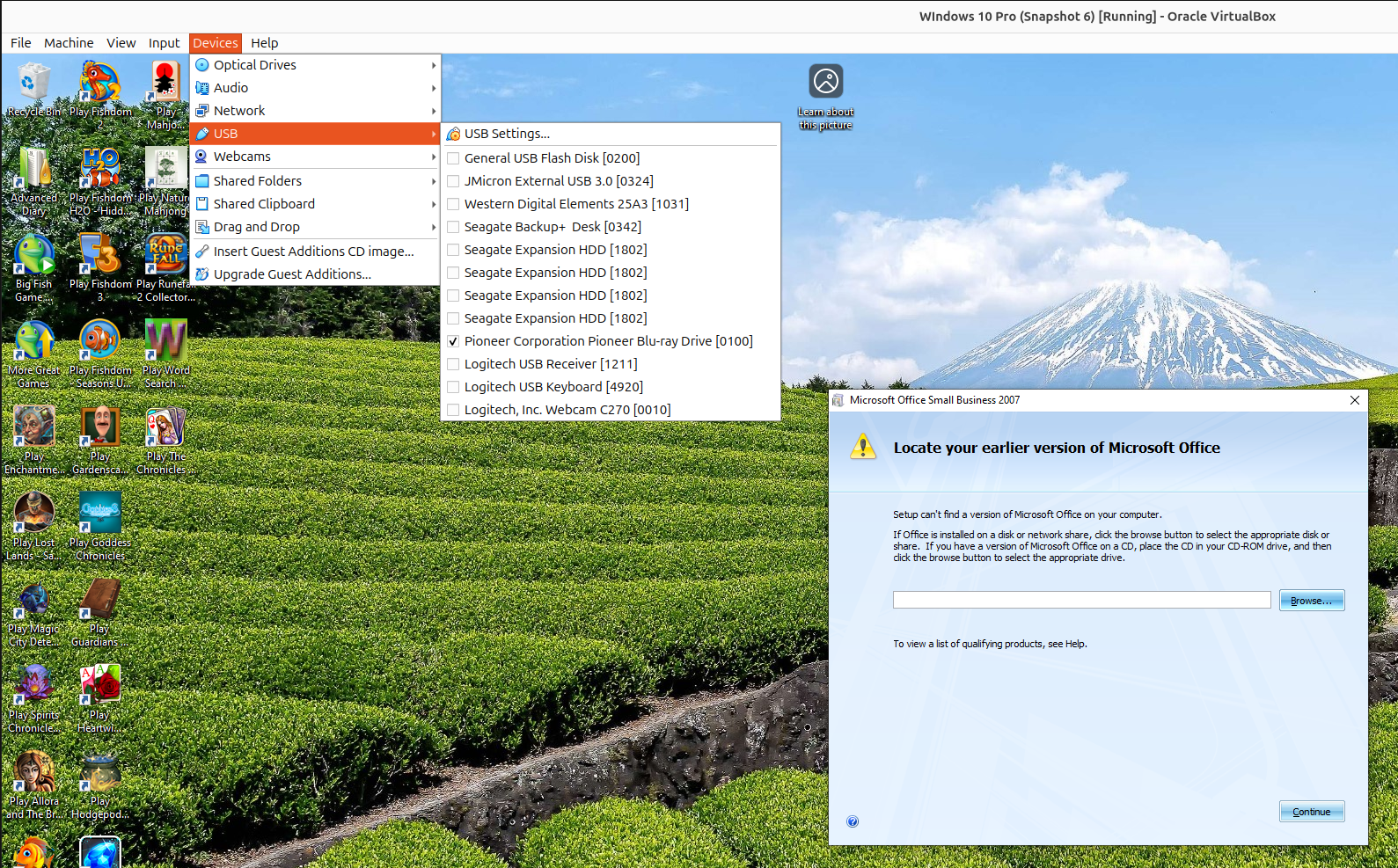
I had Windows 10 running as a virtual machine (VM) under VirtualBox on an Ubuntu Linux system. When I attempted to install Microsoft Publisher 2007 in the Windows 10 VM using a Microsoft Office Small Business 2007 upgrade CD, when it got to the "Locate your earlier version of Microsoft Office" step in the process where it states "Setup can't find a version of Microsoft Office on your computer", I couldn't eject the upgrade CD.
If I right-clicked on the drive, which was appearing as drive E: under Windows, and chose "eject" in the Windows File Explorer, I saw the message “An error occurred while ejecting 'BD-RE Drive (E:) Office 12'”
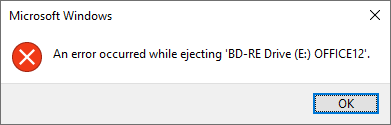
I also tried ejecting it by opening a Powershell window and issuing the command powershell (New-Object -ComObject WMPlayer.OCX.7).cdromCollection.item(0).Eject(), but nothing happened. I also tried the two PowerShell commands below, which resulted in the same error window as above.
$driveEject = New-Object -ComObject Shell.Application
$driveEject.Namespace(17).ParseName("E:\").InvokeVerb("Eject")
The drive was no longer mounted under the host Ubuntu operating system, so in order to eject the disc and put in a disc for an earlier version I clicked on Devices from the VM menu bar, then selected USB and unchecked the check box for the Pioneer Blu-ray drive.
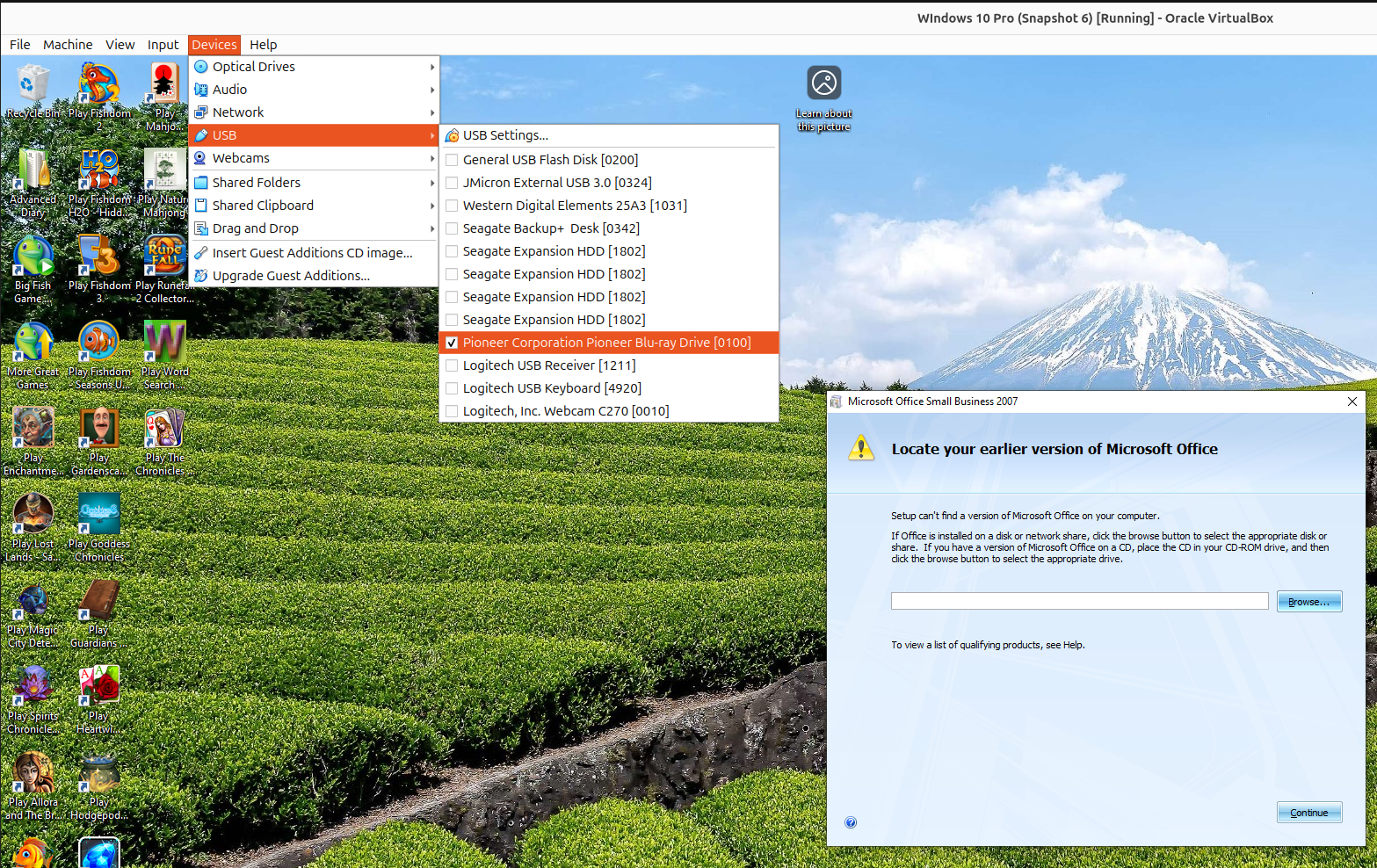
I was then able to eject the CD from a
terminal window
in the host Ubuntu Linux opeating system by issuing the
eject command, which allowed me to insert a CD for a
prior version of Microsoft Office. I then clicked on Devices
and USB again to recheck the check box for the Pioneer Blu-ray
drive in the Windows 10 VM. I was then able to continue the
installation. I went through the same steps when I saw a "Please replace
your installation media for the install to continue" window so that I
could eject the CD for the prior version and put the upgrade CD back in
the drive. I was then able to proceed with the Microsoft Office Small
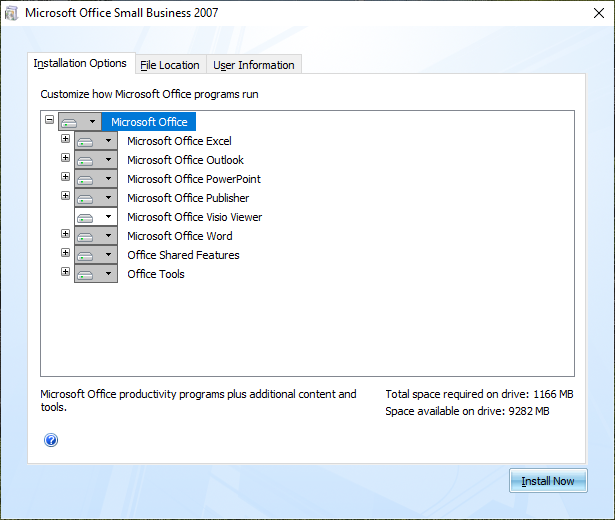
Business 2007 installation. The default install options, included
Microsoft Office Excel, Outlook, PowerPoint, Publisher, and Word,
but I only needed Publisher, so I deselected the other applications,
but also selected to install the Microsoft Office Visio Viewer.
Related articles: