
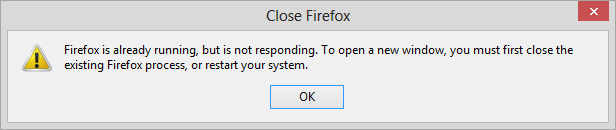
If you install the Tor browser bundle for online privacy and see a "Close Firefox" window appear when you attempt to start the Tor browser with the message below, then you may need to change the location where you placed the Tor browser bundle:
Firefox is already running, but it is not responding. To open a new window, you must first close the existing Firefox process, or restart your system.
This message can appear even when the Firefox browser provided with the
Tor browser bundle isn't running as you can see by using the Windows Task
Manager to check for running processes, if the the software was placed
under the C:\Program Files (x86) directory, even if you run
the software from an account with administrator privileges. The
software apparently needs to write to files in the directory where it
has been installed, but can't do so. If you install it to the Desktop
or under the Documents directory for the account from which you will be
running it, you won't see the message.

