
I needed the capability to create an ISO file from a CD on a Windows Vista system. I installed the 64-bit version of ISO Recorder for Vista. Once I had it installed, I was able to create the file I needed by the following steps:
- Click on the Start button.
- Select Computer.
- Right-click on the CD/DVD drive and select "Create image from CD/DVD".
- Select the location and file name for the ISO file you wish to create.
- Click on the Next button.
- Click on the Finish button to exit ISO Recorder.
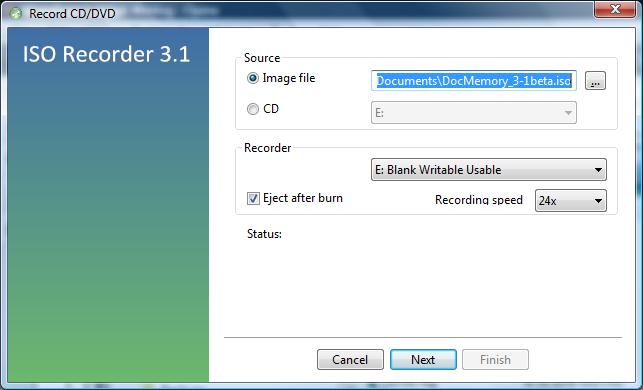
ISO Recorder also then allowed me to right-click on the ISO file and choose "Copy image to CD/DVD" to create another copy of the CD.
[/os/windows/software/utilities/cd-dvd/ISO_Recorder] permanent link

