
My wife has been using Filename Magic Pro for Windows for many years; she has version 1.00, which still appears to be the latest version. The software "offers robust functionality for batch renaming files within folders. It streamlines the process for organizing large collections of documents, music, or images." I transitioned her desktop PC from Microsoft Windows 11 to Ubuntu Linux 25.10 and installed Wine so that she could run Windows applications that she might want to still use on the Ubuntu system. I was able to install Filename Magic Pro and use it without any problems on the Ubuntu system. If you choose to have the program create a desktop shortcut during the installation, you will see two shortcuts on the desktop, Filename Magic Pro.desktop and Filename Magic Pro.lnk. If you right-click on Filename Magic Pro.desktop and choose Allow Launching, you can then double-click on the shortcut to start the application. You can delete the Filename Magic Pro.lnk by right-clicking on it and choosing Move to Trash.
When you start the program, if it is unregistered, you will see a countdown timer that counts down from 15.
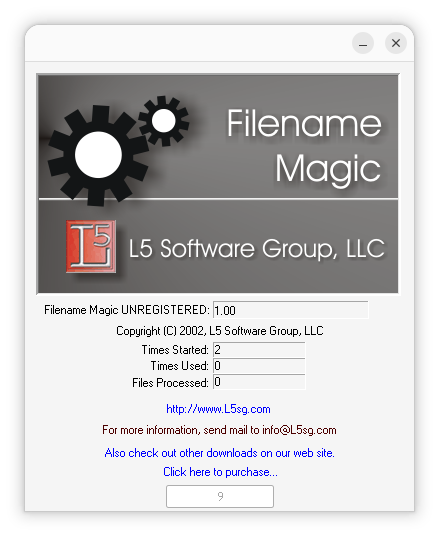
You can wait to the countdown gets to zero or just close the countdown window to proceed, which will then lead to the display of the window below.
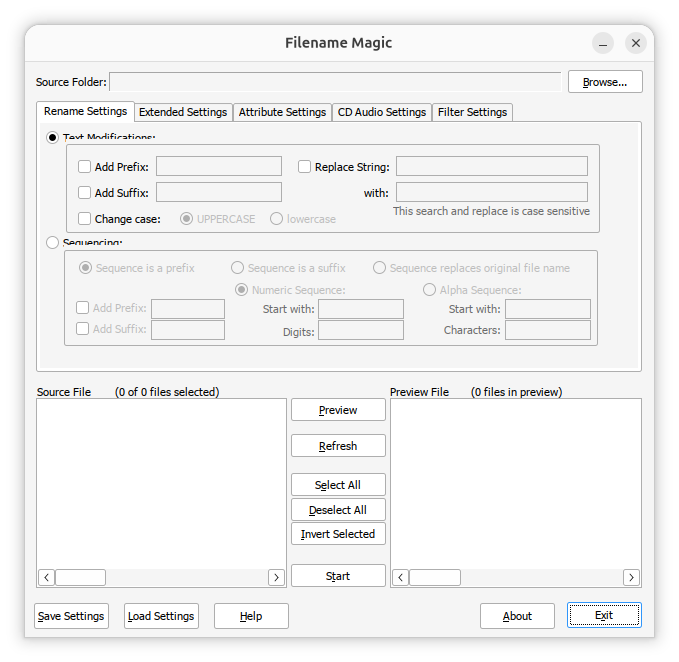
There is a "click here to purchase" link, but that no longer works; if
you click on it, you will see a
HTTP 404 error
indicating the page no longer exists. But if you previously purchased a
license as we had, you can transfer it from an old system to a new system
or, in our case, from Windows to Linux by exporting the
HKEY_LOCAL_MACHINE\SOFTWARE\WOW6432Node\L5 Software Group
registry keys, which you can do with the Windows
registry
editor, RegEdit, or you can download or copy this
L5SoftwareGroup.reg file and edit it with a
text editor, such as
Windows Notepad
and replace the AppRegKey Xs with your license key (be sure to save it
with just the .reg extension and not a .txt file extension tacked on).
You can add the registry keys to the registry used by Wine by opening
a Terminal window
and running the command wine regedit filename.reg
where filename is the name of the .reg file.
jim@Wonderland:~$ wine regedit ~/Downloads/L5SoftwareGroup.reg
jim@Wonderland:~$
When you then open the program, you won't see the countdown timer and can just click on OK. You can press Alt-Tab afterwards to get to the main Filename Magic Pro window.

